Get a phone.
Good questions.
What kind of phone is it, and does it need a landline?
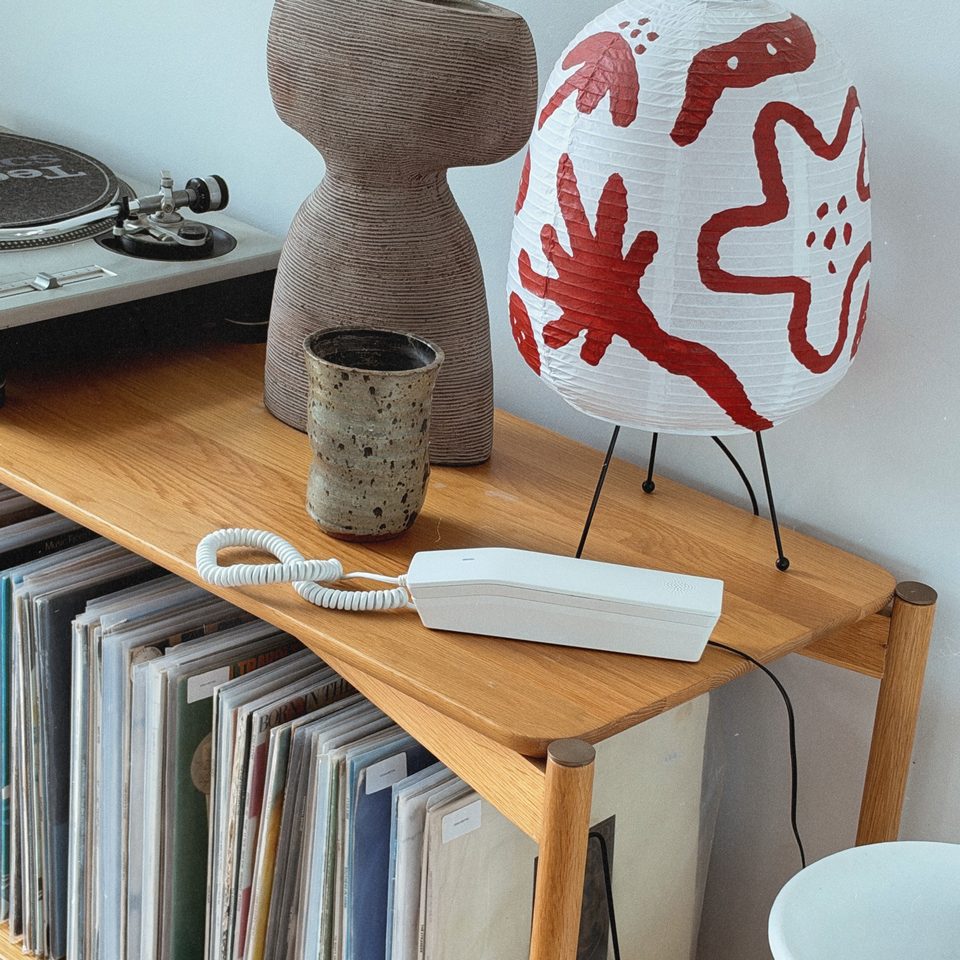
Our phones are built on a tried-and-tested design by Grandstream. They’re tough enough for kids and a blank canvas for them to make their own (that’s where the stickers come in).
No landline needed. It plugs into a power point and joins your home Wi-Fi. No SIM, no technician.
What does it cost after I buy it?
Calls between Small Talk phones and 111 are free. The first month includes calls to mobiles and landlines, and we don't ask for a card. After that, Quick Yarn is $12 a month (60 minutes, then Phone Tag) or Long Yarn $19.99 a month (unlimited NZ calls), or stay on Free. Switch or cancel any time in the parent app. See the plans.
Who can my kids call?
Only the people you approve in the parent app, both for calls in and calls out. There’s no limit on contacts.
Can they call 111?
Yes, any time, even outside phone hours. Small Talk needs power and Wi-Fi to work, so if either drops out, it’s a good idea to have a backup plan.
Can we have more than one Small Talk phone in our home?
Yes! One for each kid, or one for upstairs and downstairs. You manage them all from the same parent app, and two or more are cheaper each.
Is it easy to set up?
Super easy. Plug it in, then follow the steps in the parent app to join your Wi-Fi. Most families are done in minutes. Stuck? Email warren@smalltalk.nz and we’ll help.